 how-to
Improving Waste Truck Route Efficiency: A Step-by-Step Guide
Table of Contents
- Why Improving Waste Truck Route Efficiency Matters
- Step 1: Audit Your Current Routes and Collection Points
- Step 2: Analyze Route Density and Backtracking Patterns
- Step 3: Implement Waste Management Routing Software
- Step 4: Apply Garbage Truck Route Optimization Best Practices
- Step 5: Reduce Fuel Costs in Waste Collection Operations
- Step 6: Monitor, Measure, and Adjust Routes Continuously
- Common Implementation Challenges and How to Overcome Them
- Frequently Asked Questions
Last Updated: September 30, 2026
Why Improving Waste Truck Route Efficiency Matters
Waste truck route efficiency directly impacts your bottom line. When routes are poorly planned, drivers waste fuel, spend more time on the road, and your vehicles break down more often. The result is higher operational costs and frustrated teams.
Improving waste truck route efficiency isn't just about saving money on fuel. It's about reducing the strain on your equipment, keeping your drivers safer, and delivering better service to your customers. Many fleet managers find that small route improvements compound into significant savings over a year.
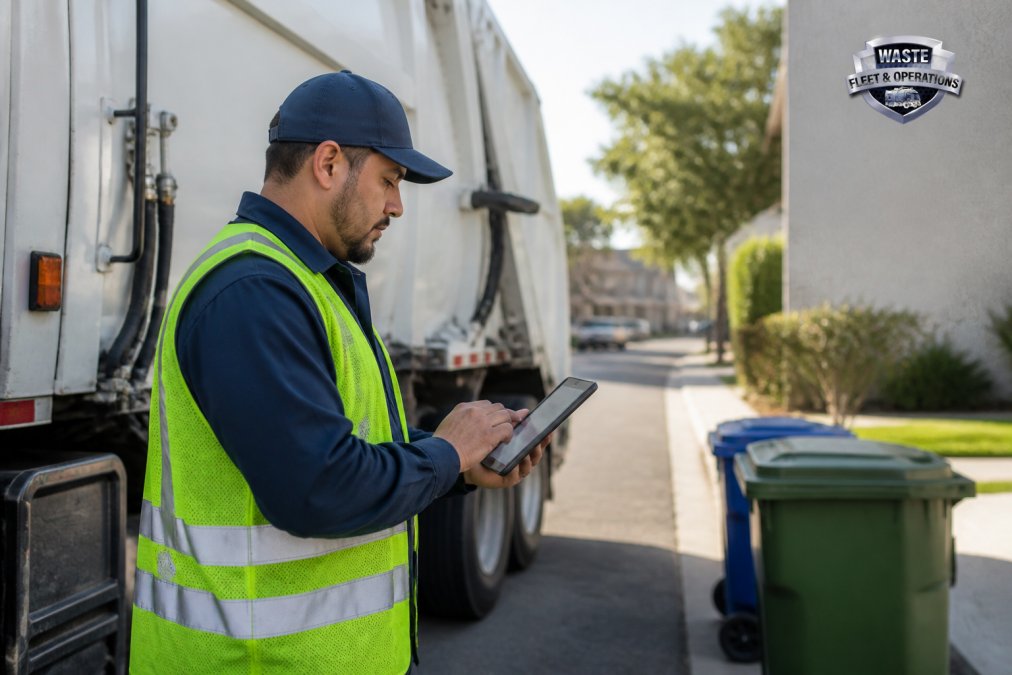
The waste industry faces real pressure: rising fuel costs, driver shortages, aging equipment, and customer expectations for faster service. Route optimization addresses all of these at once. When your trucks follow smarter paths, they cover more stops in less time, your maintenance costs drop, and your drivers go home less exhausted.
At Waste Fleet & Operations, we've worked with waste haulers who thought they'd optimized their routes already. Many discovered significant inefficiencies once they looked at their data systematically.
This guide walks you through the process step by step. We'll show you how to audit what you're doing now, identify where you're losing time and money, and implement changes that stick.
Step 1: Audit Your Current Routes and Collection Points
Start by understanding what you're actually doing today. Many waste haulers operate on routes that were designed years ago and never revisited. Things change: neighborhoods grow, commercial zones shift, and collection patterns evolve. Your routes probably haven't kept pace.
Gather basic data on each route:
- Number of stops per route
- Estimated time at each stop
- Distance traveled (in miles)
- Fuel used per route
- Vehicle breakdowns or delays
- Driver overtime hours
- Customer complaints or missed pickups
The easiest way to start is to ask your drivers. They know where the traffic jams are, which stops take longer than expected, and where backtracking happens. A 15-minute conversation with a driver often reveals more than a month of spreadsheet analysis.
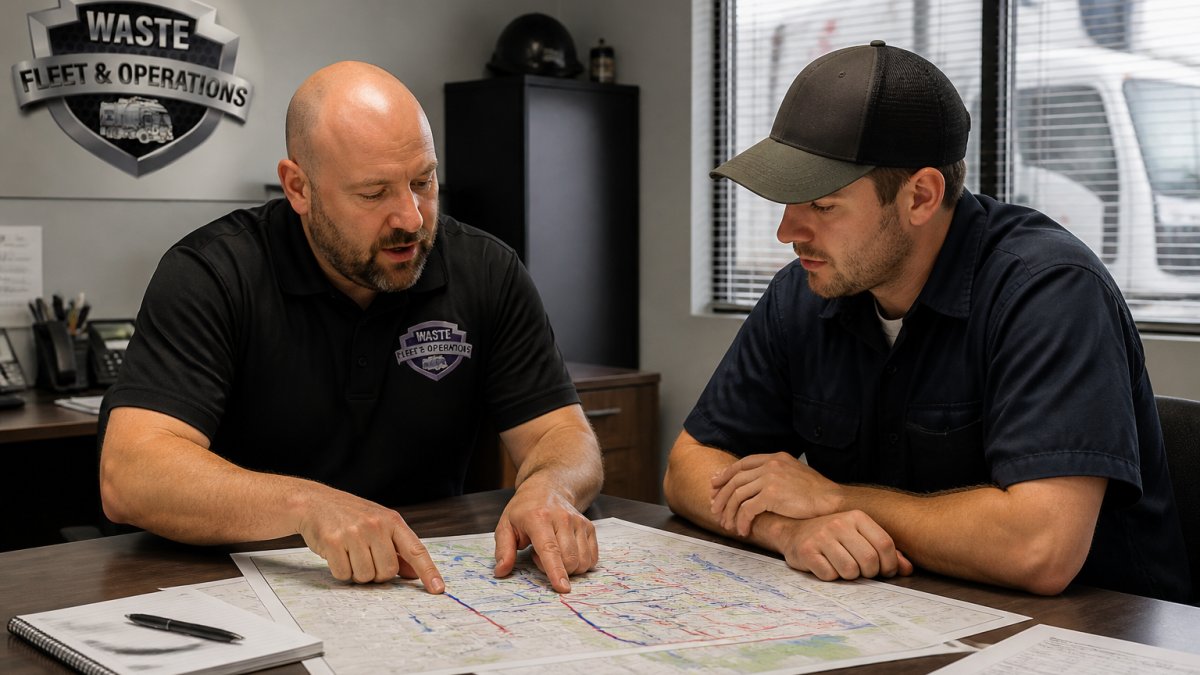
Next, map your current collection points. You don't need fancy software for this step. A printed map with pins or a basic spreadsheet showing stop addresses works fine. The goal is to see your routes visually so you can spot obvious problems.
Look for these red flags:
- Routes that cross themselves (backtracking)
- Stops that are geographically scattered instead of clustered
- Routes that end far from your depot, adding return time
- Stops added to routes without removing others
- Uneven workloads between drivers
Document everything. Take photos of your route maps. Record driver feedback. This audit becomes your baseline for measuring improvement later.
Step 2: Analyze Route Density and Backtracking Patterns
Route density is simple: how many stops do you service per mile traveled? Higher density means you're covering more collection points without wasting distance.
Look at your routes section by section. Identify areas where stops are clustered tightly (good density) and areas where stops are spread out (poor density). The gaps between stops represent wasted fuel and time.
Backtracking is a common culprit. A route that goes north, then south, then north again burns extra fuel and frustrates drivers. Efficient routes move in logical patterns: loops, grids, or sweep patterns that minimize direction changes.
Many waste haulers discover they're serving the same geographic area with overlapping routes. Two trucks might be working the same neighborhood on different days, or one route might include stops that logically belong to another. Consolidating overlapping areas saves fuel and reduces vehicle wear.
Use GIS (geographic information systems) thinking here, even if you're not using GIS software yet. Spatial analysis means understanding how stops relate to each other geographically. A stop that's 2 miles from your next stop is inefficient. A stop that's 0.3 miles away is efficient.
Ask yourself:
- Can I reorder stops within a route to eliminate backtracking?
- Are there geographic clusters I'm missing?
- Can I move stops between routes to reduce total distance?
- Which routes have the lowest stops-per-mile ratio?
Step 3: Implement Waste Management Routing Software
This is where many fleet managers feel stuck. The market has waste management routing software options, but choosing the right tool depends on your operation's size and complexity.
Good routing software does three things: it collects your data, visualizes your routes, and suggests optimizations. The best tools integrate with your existing systems (dispatch software, telematics, billing systems) so you're not manually entering data twice.
When evaluating waste management routing software, focus on these capabilities:
Book My Complimentary Discovery Call →
- Real-time route updates (so drivers can handle new stops without backtracking)
- Integration with your dispatch system
- Mobile access for drivers
- Reporting that shows fuel savings and time improvements
- Customer support that understands waste operations
Start small. You don't need every feature. A tool that maps your stops, calculates distances, and suggests reordering is enough to begin. Many waste haulers add features later as they get more sophisticated.
The software won't fix a broken process. If your routes are based on old data or arbitrary assignments, software won't help much. Clean up your route data first, then let the software optimize from there.
Step 4: Apply Garbage Truck Route Optimization Best Practices
Route optimization follows a few core principles. These work whether you're using software or doing it manually.
Cluster stops geographically. Group collection points by neighborhood or district. Serve all stops in one area before moving to the next. This reduces total distance and fuel consumption.
Minimize travel distance. The shortest route between two points is a straight line, but roads don't work that way. Use actual street networks and traffic patterns when calculating distances. A route that looks short on a map might be long in reality.
Balance workload. Uneven routes create problems. One driver finishes early and sits idle. Another works overtime. Balanced routes mean consistent service, less driver fatigue, and predictable schedules. Aim for routes that take roughly the same time.
Reduce collection frequency where possible. This is controversial but effective. Many customers don't need weekly pickup. Offering bi-weekly service to customers who generate less waste reduces your total stops. Some waste haulers offer incentives for customers who switch to less frequent service.
Plan for vehicle wear and tear. More miles means more maintenance. Route optimization reduces miles, which directly reduces maintenance costs. A route that saves 50 miles per week saves significant wear on engines, transmissions, and brakes over a year.
Account for driver fatigue and safety. Long, inefficient routes exhaust drivers. Tired drivers make mistakes, drive unsafely, and call in sick more often. Shorter, more logical routes keep drivers alert and engaged.
Step 5: Reduce Fuel Costs in Waste Collection Operations
Fuel is usually the second-largest operational cost in waste collection, after labor. Route optimization directly reduces fuel consumption by cutting unnecessary miles.
But there's more you can do:
Idle time is expensive. A garbage truck idling burns fuel without making progress. Minimize stops at dispatch, reduce wait time at transfer stations, and schedule routes so trucks don't sit between stops.
Vehicle load affects fuel consumption. A lighter truck uses less fuel. Some waste haulers optimize collection frequency by area: high-density neighborhoods get weekly service, low-density areas get bi-weekly. This keeps loads balanced and fuel consumption steady.
Driver behavior matters. Aggressive acceleration, speeding, and poor shifting waste fuel. Training drivers on fuel-efficient operation saves 5-10% of fuel costs.
Step 6: Monitor, Measure, and Adjust Routes Continuously
Optimization isn't a one-time project. Routes need regular review and adjustment.
Set up a tracking system:
- Miles per route (weekly)
- Fuel consumption per route
- Time per stop (average)
- Vehicle breakdowns or delays
- Driver overtime hours
- Customer complaints
Common Implementation Challenges and How to Overcome Them
Challenge: Drivers resist route changes. Drivers have been running the same route for years. They know every stop, every customer, every shortcut. A new route feels wrong, even if it's more efficient.
| Optimization Step | Focus Area | Expected Impact |
|---|---|---|
| Audit current routes | Identify backtracking and inefficiencies | Baseline for measurement |
| Analyze route density | Cluster stops geographically | 5-10% fuel savings |
| Implement routing software | Systematize optimization | Consistent improvements |
| Apply best practices | Balance workload and distance | 10-15% fuel savings |
| Reduce fuel consumption | Monitor and adjust driver behavior | 5-10% additional savings |
| Continuous monitoring | Track metrics and adjust | Sustained efficiency gains |
Frequently Asked Questions
What are the primary factors that impact waste truck route planning?
Collection frequency, geographic spread of service areas, vehicle capacity, driver availability, traffic patterns, and customer service windows all shape route design. Route density, the number of stops per mile, directly affects fuel consumption and driver overtime. Load balancing across your fleet prevents some trucks from running overweight while others return half-full. Smart waste management also considers collection point accessibility and seasonal demand swings that change stop counts month to month.
How can real-time data and telematics reduce fuel consumption in waste collection?
Real-time tracking shows which routes have excessive idling, backtracking, or inefficient stop sequences. Telematics data reveals driver behaviors, harsh braking, speeding, excessive engine revving, that waste fuel. By feeding this data back to drivers and adjusting routes based on actual traffic and stop times, fleets typically see 10-15% fuel savings within the first few months. Predictive maintenance alerts also prevent breakdowns that force expensive road calls and route disruptions.
Can AI and machine learning improve waste truck route efficiency?
Yes. AI-driven algorithms solve the vehicle routing problem by testing thousands of route combinations faster than manual planning. Machine learning models learn from your historical data, how long stops actually take, which roads have congestion at specific times, and optimize for your exact conditions. Over time, these systems adapt to seasonal changes and new collection points, continuously refining routes without manual intervention. The result is routes that balance fuel efficiency, driver overtime, and service reliability better than static manual planning.
How do I measure success after implementing route optimization changes?
Track metrics before and after optimization: fuel costs per stop, miles per gallon, daily breakdown frequency, driver overtime hours, and maintenance costs. Set a baseline in your first month, then measure monthly. Waste Fleet & Operations helps clients reduce daily breakdowns by 40-50% and achieve 1.5x-2x ROI within 3 months. Document stop times and route completion times to validate that optimization actually improved service speed. Share these numbers with your team so drivers see the impact of their work.